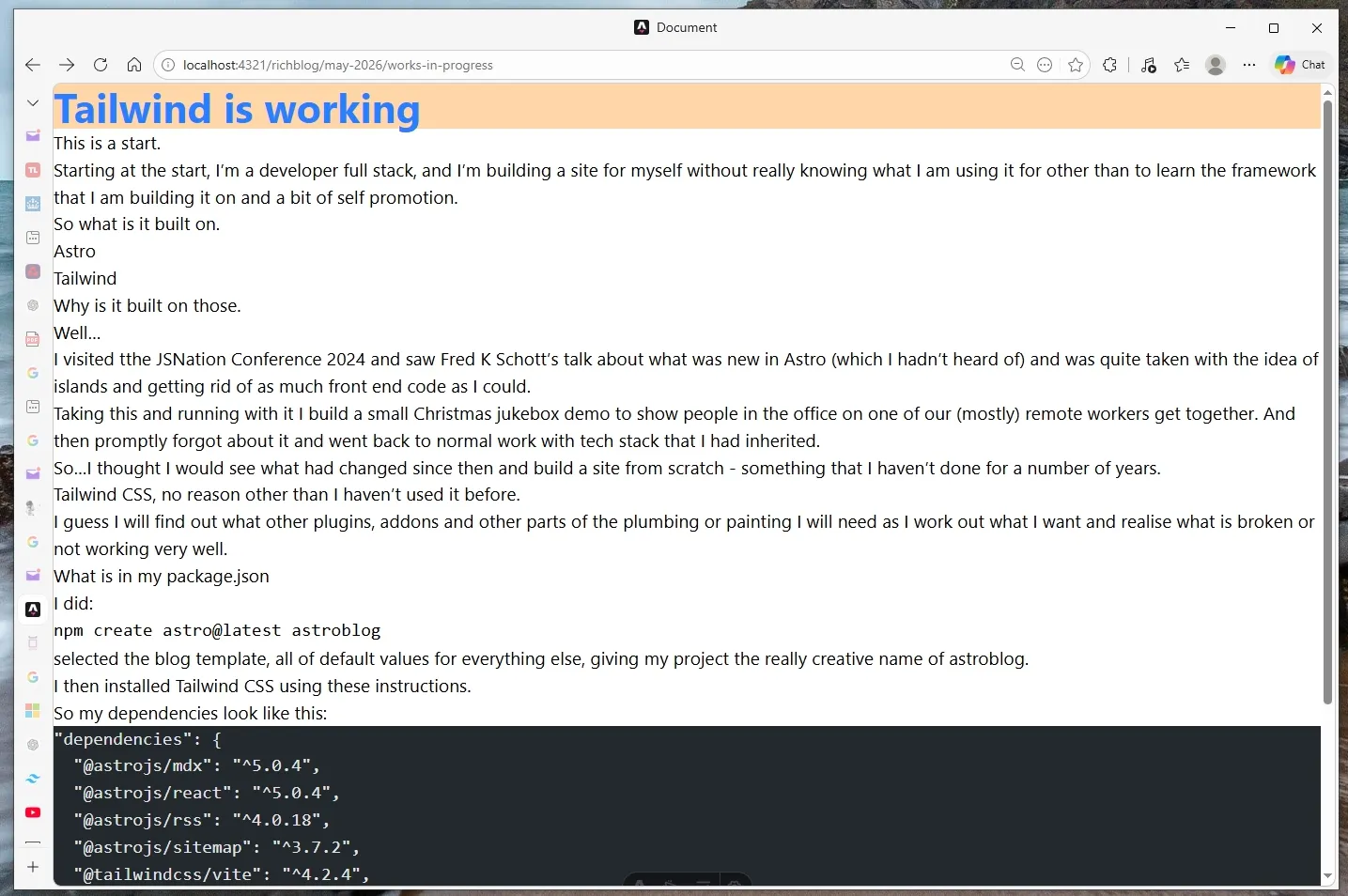
After returning to work on this blog I realised that while Tailwind was set up, it wasn’t actually styling my blog posts. I couldn’t quite understand why I had mark up that had all of its styling removed.
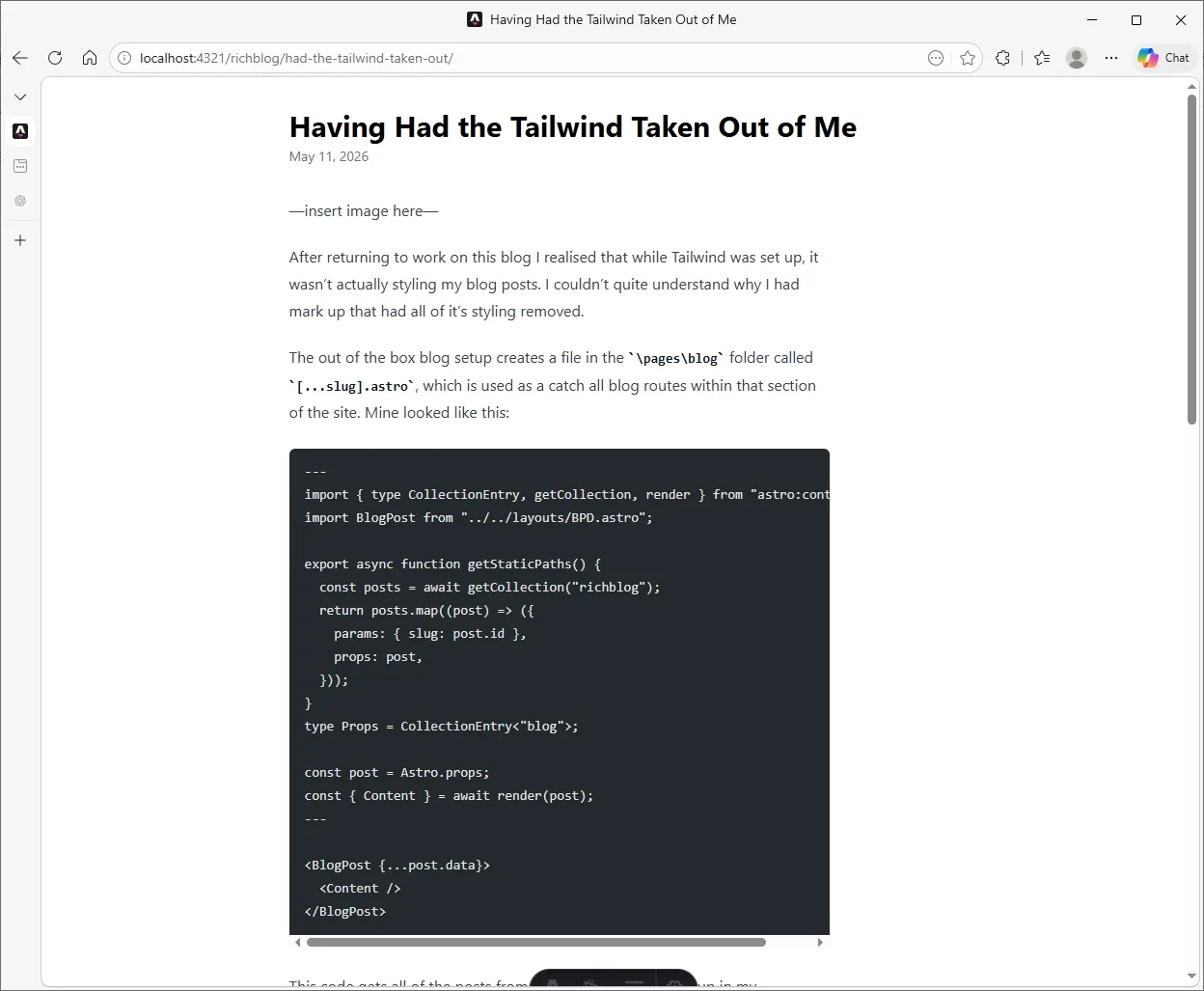
The out of the box blog setup creates a file in the \pages\blog folder called [...slug].astro, which is used as a catch all blog routes
within that section of the site. Mine looked like this:
---
import { type CollectionEntry, getCollection, render } from "astro:content";
import BlogPost from "../../layouts/BPD.astro";

export async function getStaticPaths() {
  const posts = await getCollection("blog");
  return posts.map((post) => ({
    params: { slug: post.id },
    props: post,
  }));
}
type Props = CollectionEntry<"blog">;

const post = Astro.props;
const { Content } = await render(post);
---

<BlogPost {...post.data}>
  <Content />
</BlogPost>
This code gets all of the posts from the collection I have set up in my blog collection and creates a route for each one.
Astro renders the relevant post content and wraps it in the BlogPost layout imported from BPD.astro,
which provides the page styling and structure.
My BPD.astro layout file is fairly simple:
---
import "../styles/global.css";
---

<!doctype html>
<html lang="en">
  <head>
    <meta charset="UTF-8" />
    <meta name="viewport" content="width=device-width, initial-scale=1.0" />
    <title>Document</title>
  </head>
  <body class="min-h-screen">
    <div class="flex bg-orange-200 text-4xl font-bold text-blue-500">
      Tailwind is working
    </div>

    <slot />
  </body>
</html>
It imports the tailwind css and adds a message at the top of each blog page with a lovely orange background and light blue text. Perfect
contrast for accessibility it isn’t, but it showed that it was importing correctly. The content generated by each blog post in the blog
collection is then inserted into the <slot /> tag.
And this is where the problem lay. Tailwind v4 preflight strips all default browser styles. The content inserted into <slot />
is done without a typography wrapper. The layout is being applied, but there’s nothing styling the actual content so <ul>, <p> or any other tag has any styles
applied to them.
In order to fix this you need to install the Tailwind Typography Plugin and wrap your unstyled blog content in with your requrird styles. To this install the plugin:
npm install @tailwindcss/typography
and then add the plugin to your global.css file so that the imports look like this:
@import "tailwindcss";
@plugin "@tailwindcss/typography";
and finally update your layout file to wrap the <slot /> content with the required styles, I did this:
<article class="prose">
    <slot />
</article>
And now I have a slightly less awful looking site.